
Hreflang tags: the complete guide for your multilingual website
 By Antoine Sanières · · 6 min read
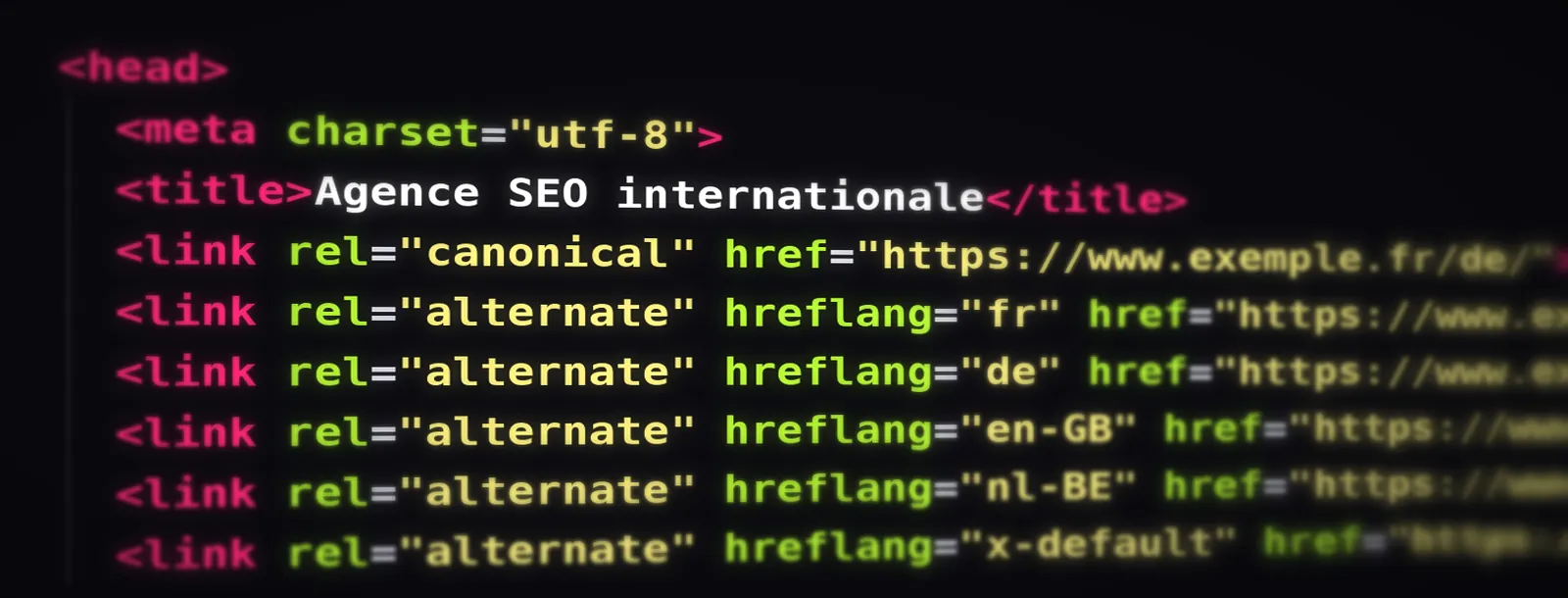
At a glance – Hreflang tags: the complete guide for your multilingual website
- What it does: links the language versions of a page so Google shows the right one in each country.
- Syntax: rel="alternate", a language (and optional country) code and an absolute URL, on every version.
- Two rules: every page lists itself, and every link is returned.
- x-default: optional but recommended, for searchers no version covers.
- Checking: no dedicated Google tool any more; use a crawler and Search Console, page by page.
You have translated your website, yet Google keeps showing your French page to Belgian searchers, or your German version in Switzerland instead of the Swiss one. Nine times out of ten, the culprit is the hreflang tag: missing, incomplete or badly written.
Here is how hreflang works, how to write it, and the mistakes we fix most often in audits, based on the rules Google publishes.
What is the hreflang tag?
The hreflang tag is an attribute of the link element. It tells Google: “this page also exists in other languages or for other countries, and here are their addresses”. Google uses it to show the right version in its results, for example your Belgian page to someone in Brussels rather than your French one.
People sometimes talk about a “hreflang meta tag”, but it is not a meta tag: it is an alternate link, placed in the page head, in the XML sitemap or in the HTTP headers. Nor is it the lang attribute of the html element: Google says it uses neither to detect a page's language, which it works out from the content itself. Hreflang connects versions; it does not declare a language.
Hreflang syntax, with an example
Every hreflang link has three parts: rel="alternate", the language code (plus an optional country code) in the hreflang attribute, and the absolute URL of that version.
Example: the same page in French (France), French (Belgium), Dutch (Belgium) and German
<link rel="alternate" hreflang="fr-FR" href="https://www.example.com/fr/" />
<link rel="alternate" hreflang="fr-BE" href="https://www.example.com/be-fr/" />
<link rel="alternate" hreflang="nl-BE" href="https://www.example.com/be-nl/" />
<link rel="alternate" hreflang="de" href="https://www.example.com/de/" />
<link rel="alternate" hreflang="x-default" href="https://www.example.com/" />Two rules are non-negotiable. First, every page must reference itself (a self-referencing hreflang). Second, links must be reciprocal: if the French page points to the German page, the German page must point back. Missing return tags are the error we find most often in audits.
The reciprocity rule: each version points to every other version, and to itself
Language and country codes: right and wrong
The code always starts with the language, in ISO 639-1 format (fr, de, nl, en), followed if needed by the country in ISO 3166-1 alpha-2 format (FR, BE, CH, GB). A country on its own is never valid: “BE” means nothing to Google. Only add a country when you genuinely have different versions for two countries that share a language, such as France and Belgium.
| Target | Correct code | Common mistake |
|---|---|---|
| English, United Kingdom | en-GB | en-UK (the country code is GB) |
| French, Belgium | fr-BE | be (that is Belarusian) |
| German, Switzerland | de-CH | ch-DE (wrong order) |
| Dutch, all countries | nl | NL alone (a country with no language) |
| Czech | cs | cz (that is the country code) |
| Fallback page | x-default | default or en-default |
What is x-default in hreflang?
The x-default value names the page to show when no version matches the searcher: an Italian landing on a site available in French, German and English, for instance. It usually goes to the English version, or to a home page that lets visitors choose their language.
It is optional, but we recommend it: it is one extra line, and it saves Google from choosing for you. If your site exists in a single language, you do not need hreflang at all.
Link tags, hreflang sitemap or HTTP headers?
Google accepts three methods, and they carry the same weight. What matters is to use only one, so the signals never contradict each other.
| Method | Best for | Watch out for |
|---|---|---|
| Link tags in the <head> | Most sites, CMS included | Bloats the head when there are many languages |
| XML sitemap (xhtml:link) | Large sites, many languages | The sitemap must be updated with every new page |
| HTTP headers (Link) | PDFs and other non-HTML files | Server configuration, harder to check |
An hreflang sitemap has one advantage on large sites: it keeps the page code light and can be generated automatically. In return, make sure it is regenerated whenever a page is added or removed.
Hreflang on WordPress, Shopify, Webflow and PrestaShop
On most CMSs you do not write the tags by hand: your multilingual tool generates them. It still has to be set up properly.
| CMS | What happens | What to check |
|---|---|---|
| WordPress + Yoast SEO | Yoast alone adds no hreflang: your multilingual plugin (WPML, Polylang, TranslatePress, Weglot) does | That translated pages are properly linked in the plugin |
| Shopify | Tags are added automatically once languages and markets are set up | Market country codes and untranslated pages |
| Webflow | Localization generates hreflang for every published locale | Pages excluded from a locale and the fallback page |
| PrestaShop | Depending on version and theme, alternate tags are built in or need a module | That they point to canonical URLs without parameters |
Choosing a WordPress plugin? Our comparison of Weglot, TranslatePress, WPML and Polylang for SEO is in French, but the tables speak for themselves.
Canonical and hreflang: the rules
Each language version should have a canonical tag pointing to itself. If your German page declares the French page as canonical, you are telling Google it is only a copy: Google will not index it, and its hreflang becomes pointless.
Likewise, only list canonical, indexable URLs that return a 200 status in your hreflang tags. A page that is noindexed, redirected or blocked breaks the link, and the reciprocity with it.
The 7 hreflang errors we see in audits
- Missing return tagsThe French page lists the German one, but the German page does not list the French one. Google then ignores the pair.
- No self-referencing hreflangEvery version must appear in its own hreflang list.
- Invalid codesen-UK, a country without a language, or an invented language code: the tag is invalid.
- Relative or redirected URLsHreflang expects absolute, indexable URLs returning 200. A redirected or noindexed URL breaks the link.
- A canonical pointing to another languageIf the German page names the French one as canonical, its hreflang is useless.
- Near-identical versions left undeclaredfr-FR and fr-BE without hreflang: both pages compete for the same queries.
- Two methods at once, telling different storiesTags in the <head> and a sitemap that do not say the same thing.
How to check your hreflang tags
Google retired Search Console's International Targeting report in 2022, so there is no official hreflang tester any more. To audit a site, we use:
- a crawler such as Screaming Frog, which lists missing return links, invalid codes, non-indexable URLs and a missing x-default;
- URL Inspection in Search Console, to see which canonical Google has chosen for each version;
- the search results themselves, from each country, to see which version really shows up.
It is one of the first checks in our international SEO audit. On a multilingual site, a poorly configured hreflang is enough to put the wrong version in front of the wrong country.
Hreflang FAQ
What is the hreflang tag?
It is an attribute of the link element that tells Google which other language or regional versions of a page exist. Google uses it to show the right version to each searcher, for example your Belgian page to someone in Brussels rather than your French one.
Does hreflang improve rankings?
Not directly. It does not push a page up, but it stops the wrong version from showing in the wrong country and keeps near-identical versions from competing with each other. It is a signal, not a directive: Google may ignore it if the set is inconsistent.
Do I need an x-default hreflang tag?
It is optional but recommended. It names the page to show when no version matches the searcher's language, usually the English version or a language selector page.
Is there a Google tool to test hreflang?
Not since 2022, when Google retired the International Targeting report in Search Console. Today you check hreflang with a crawler such as Screaming Frog, or with the site audit in Ahrefs or Semrush, then with URL Inspection in Search Console.
Does hreflang replace the canonical tag?
No, the two work together. Each language version should carry a self-referencing canonical, and hreflang links the versions to one another. A canonical pointing to another language cancels out the hreflang.





Is your website ready to go abroad?
Take the free check in 2 minutes: a score out of 100, your strengths and your three priorities for the market of your choice.
Take the check